
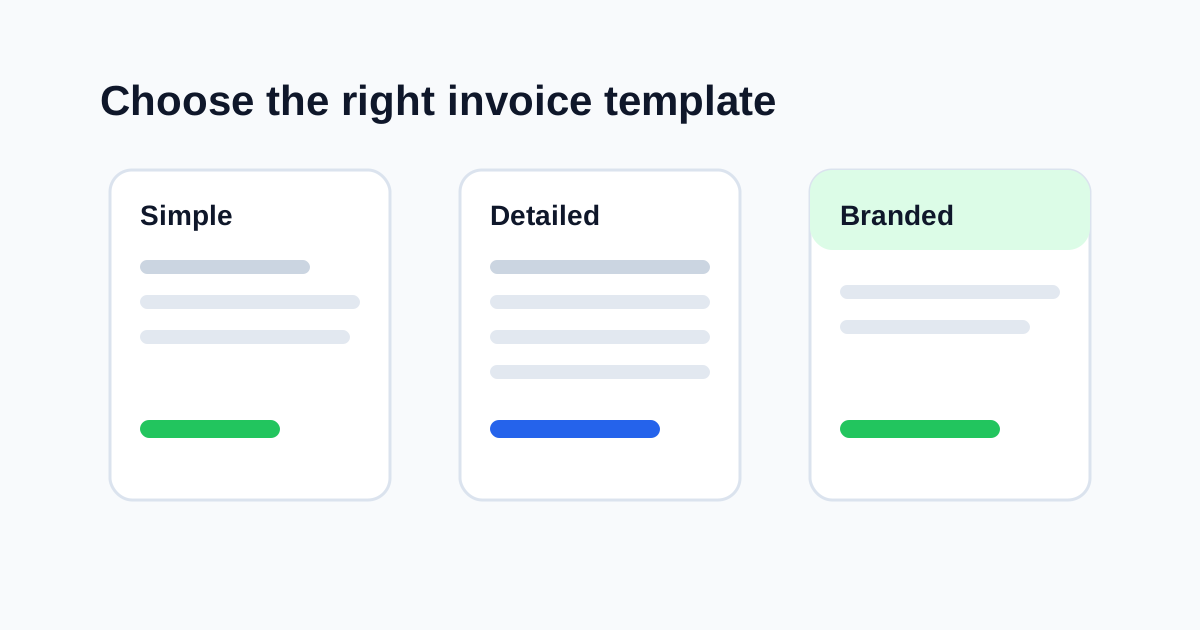
An invoice template is more than a visual style. It affects how quickly a client can understand the charge, approve the document, and pay you. A beautiful template that hides the total is not useful. A plain template that makes every detail obvious can be more professional than a decorative layout.
The right invoice template depends on your business, the kind of work you bill for, how many line items you use, and how much explanation your clients need. This guide helps you choose a template that looks credible without making the invoice harder to read.
Key takeaways
- Choose clarity before decoration.
- Use simple templates for short invoices and detailed templates for complex work.
- Keep branding consistent, but do not let branding overpower payment details.
- Make sure the PDF works on A4 or Letter page sizes.
- Test the invoice with real line items before sending it to clients.
What an invoice template should do
A good template makes the invoice easy to scan. It should highlight:
- Your business name
- Client billing details
- Invoice number
- Issue date and due date
- Line item table
- Total due
- Payment instructions
- Notes or terms
If a client has to search for the total or payment method, the template is not doing its job.
Template types and when to use them
| Template style | Best for | Watch out for |
|---|---|---|
| Minimal | Freelancers, consultants, simple services | May feel too plain if you need strong branding |
| Detailed | Contractors, agencies, long item lists | Can feel crowded if spacing is poor |
| Branded | Designers, agencies, client-facing proposals | Branding should not hide totals |
| Compact | Many small line items | Needs careful font size and spacing |
| Formal | Corporate or B2B clients | Avoid making it hard to read |
You can browse available layouts on the invoice templates page.
Start with the work you bill for
Different businesses need different invoice layouts.
Service businesses
Service invoices usually need clear descriptions, dates, and payment terms. A simple or detailed template works well.
Example line item:
Monthly website maintenance - May 2026
Creative freelancers
Designers, writers, photographers, and consultants often benefit from light branding. A branded template can look polished as long as the line items and total remain clear.
Contractors and trades
Contractors may need more detail: labor, materials, permits, travel, and change orders. A detailed or compact template is usually better than a minimal one.
Agencies
Agencies often invoice by milestone, retainer, or campaign. A template with good notes and footer space helps explain scope and payment instructions.
Match template to invoice length
Before choosing a template, estimate how long your invoice usually is.
| Invoice length | Better template choice |
|---|---|
| 1-3 line items | Minimal or branded |
| 4-10 line items | Detailed |
| 10+ line items | Compact or table-focused |
| Long notes or terms | Template with footer/note space |
If you often send long invoices, test the PDF preview before choosing a template permanently. Page breaks matter.
Branding: useful, but not the priority
Your invoice should feel like it came from your business. A logo, accent color, and consistent footer can help. But clients pay invoices because they understand them, not because they admire the design.
Use branding to support clarity:
- Add a clean logo
- Use one accent color
- Keep headings readable
- Avoid decorative backgrounds behind line items
- Keep total due and due date visible
If you want more detail, read how to create branded invoices clients trust.
Check mobile and PDF readability
Your client may open the invoice on a phone, forward it to a bookkeeper, or print it. A good template should work in all three cases.
Before sending, check:
- Does the total stand out?
- Is the due date visible?
- Are line items readable?
- Does the PDF fit A4 or Letter?
- Are payment instructions easy to find?
- Does the invoice still look clean if printed in black and white?
Quick Invoice Tool supports live preview so you can check layout before downloading the PDF. Start from the invoice generator or open the builder.
Common template mistakes
Choosing style over clarity
A stylish invoice can still be a poor invoice if it hides important details.
Using too many colors
One accent color is usually enough. Too many colors make the invoice look busy.
Picking a template before adding real data
Templates can look great with sample data and awkward with real client names or long descriptions. Test with real line items.
Ignoring page breaks
Long invoices can flow onto multiple pages. Make sure totals and notes remain understandable.
Using tiny text
If a client has to zoom in to read line items, the template needs adjustment.
Practical template checklist
Use this checklist before settling on a layout:
- Can a client find the total in three seconds?
- Can a bookkeeper identify the invoice number quickly?
- Are line items specific and readable?
- Is the payment method obvious?
- Is there enough space for notes?
- Does the PDF look clean on one page or multiple pages?
- Does the template match your business without looking overdesigned?
FAQ
What is the best invoice template for freelancers?
Most freelancers do well with a minimal or lightly branded template. The best choice depends on whether you bill short tasks, retainers, or detailed project phases.
Should I use a logo on my invoice?
If you have a clean logo, yes. It helps clients recognize your business. If you do not have one, a clear business name is enough.
Is a simple invoice template unprofessional?
No. A simple template can look very professional if the information is complete and well spaced.
What template should I use for many line items?
Use a compact or detailed table-focused template. Test the PDF preview to make sure page breaks are readable.
Can I change templates later?
Yes. In Quick Invoice Tool, you can switch templates without retyping all document details.
Final thought
The right invoice template is the one that helps your client understand and pay the invoice with the least friction. Choose a layout based on the work you bill for, the amount of detail you need, and how clearly the PDF presents totals and payment instructions.